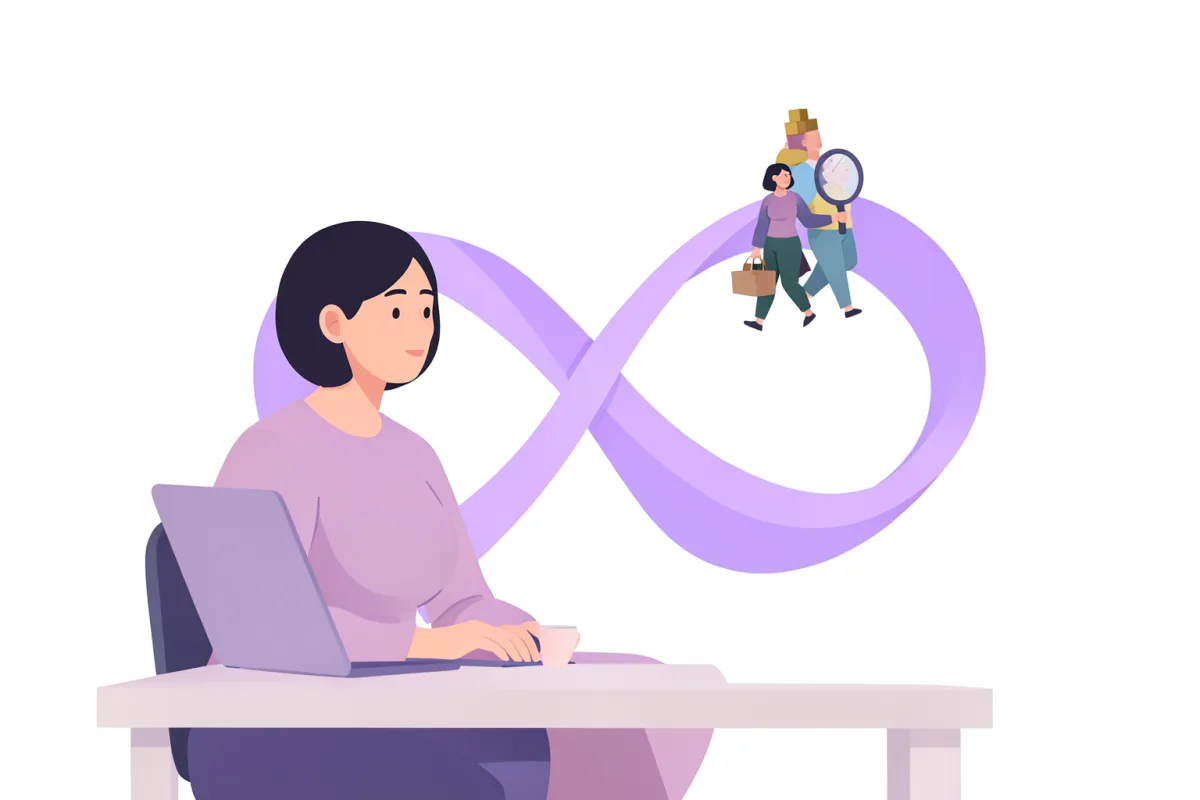
Stop vibe coding, work with agentic product development and loops instead
An AI agent that judges its own work tends to approve it. Two agents reviewing each other find more. Here is how we build loops in an orchestration tool like Orca, where an orchestrator directs agents that build, get reviewed and ask instead of guessing.
Most people working with AI agents end up in the same pattern. You write a prompt, look at the result, write a new prompt and look again. It works, but you are the loop. Every round needs you sitting there.
The next step is to let the agents run the rounds themselves. One builds, another reviews, and you only step in for the decisions you want to make yourself, like a direction or anything else you do not want to hand over to the model. That is what we mean by agentic loops. Right now we build them in an orchestration tool called Orca, but the tools change fast. You will find Orca and the other tools we use in the Toolbox.
An agent that judges its own work tends to approve it. Split the roles: an orchestrator plans and judges, other agents build in waves, and the loop runs until the result meets the criteria.
Decisions the agent cannot make become questions, not guesses. They land with you, and you take them in one go. All of this runs on regular subscriptions, without API keys.
From vibe coding to agentic engineering
Vibe coding is prompting until something works. It is fast, and above ground the result often looks fine. But underneath, quick fixes, tangled structure and code that only somehow works keep piling up. You notice when it is time to build further. For prototypes where the code will be thrown away anyway, though, vibe coding works well. We will come back to different kinds of prototypes later in the series.
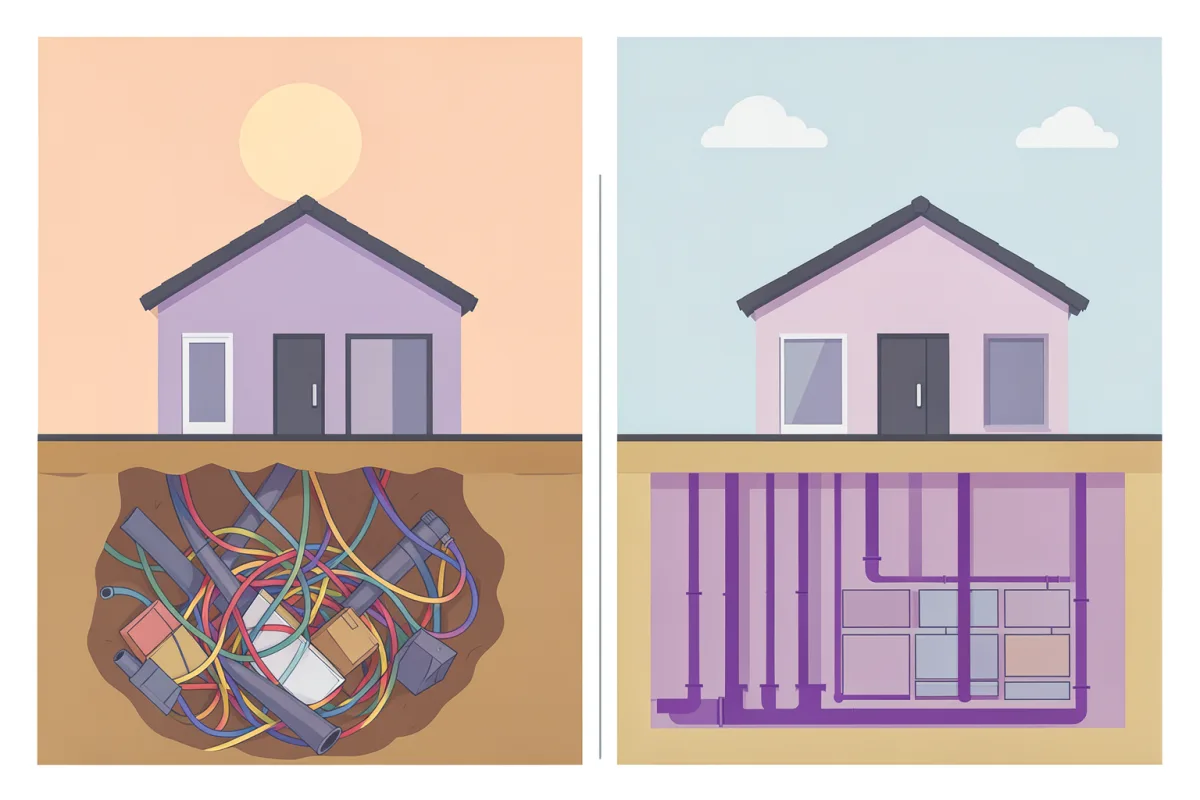
Agentic engineering is the same tools with a way of working around them. Matt Pocock has packaged one as skills, and we use it as the backbone of our loops.
It all starts with the effect. Before we write a line of spec, we decide what the work should change: which behaviour, for which users, and how we will see that it happened. Without that, even the best loop becomes a faster feature factory, delivering what the spec says without asking whether it makes any difference. The effect then carries through the whole loop.
The foundation under the loop
Loops build on a few simpler building blocks, and they are worth having in place first:
CLAUDE.mdis a file at the root of the project that Claude Code reads every time it starts. It says what the project is, how you want to work and which commands apply, so you do not have to repeat it in every prompt.- Skills are instructions in a markdown file that the agent can run. Most of the commands in this module are skills.
- Plan mode lets the agent plan before it builds. For us
/grill-mehas largely replaced it, since the agent then questions you before the plan is written. - Subagents handle research and review in a context of their own, so the main session stays clean.
/goalis the simplest way to let Claude Code loop on its own. You write what should be true when the work is done, and after every round a separate model checks whether it holds. The agent keeps going until the condition is met or it judges that it cannot be.
If you are new to Claude Code, you can start with The tool map and Your first AI workflow. How we moved to Claude Code ourselves is in From Lovable to Claude Code, along with what we took away from Lydia Hallie’s workshop.
The core flow is five steps:
/grill-with-docs. The agent interviews you about the plan, question by question, until it is sharp and it is clear what effect the work should have. Decisions and terms are written down as documentation along the way./to-spec. The conversation becomes a spec with the problem, the solution and user stories. No new interview, just a synthesis of what you already agreed on./to-tickets. The spec is split into small, complete slices that can be built and verified on their own. Each ticket states which other tickets it waits for./implement. An agent builds one ticket at a time, tests as it goes and commits./code-review. The work is reviewed against the spec and the effect before it moves on.
Around the core flow we use a few skills often:
/wayfinderfor work too big for a single session. It lays out a map of decision tickets in the issue tracker and resolves them one at a time, until the way forward is clear. That is where you plan, without building. When you start itching to just get going, it is usually a sign the map is done./prototypewhen a decision needs something tangible. The agent builds a throwaway prototype that answers one question: several radically different UI variants to switch between, or a single shareable HTML file that runs some logic through the hard cases./researchwhen we need facts. A background agent reads primary sources, such as official documentation and source code, and saves the findings with sources in the repo.
New in version 1.3
Early October brought version 1.3 of Matt’s skills, a really nice update that he walks through in a video. Three new skills fit straight into how we work:
/implement-specbuilds a whole spec. It reads the tickets as a task graph, meaning a map of what waits for what, and starts subagents on everything that is ready. Each subagent builds in its own worktree (a separate working copy of the code). The work is merged onto a shared branch, and as more tickets become ready it adds more agents. Finally everything is reviewed with/code-review. So it is an agentic loop, packaged as a skill./prwrites PR descriptions, meaning the text that goes with a code change when it is sent for review. They are made to be reviewed, with evidence and an assessment of the risk. More on that below./retroruns a retrospective on a session. The agent goes through what took time or went wrong and suggests improvements to its own environment, such as new automated checks, clearer coding standards or better signposting in the code.
How it connects to our loops
Steps 1 and 2 you do together with the agent. That is where the decisions are made, with the effect as the yardstick. /prototype and /research give the decisions something to stand on. Step 3 gives you the tasks and dependencies.
Then the loop takes over. What /implement-spec does is essentially what we already do with /orchestration in Orca, only with subagents instead of separate agents. /implement-spec runs everything within one session, where subagents can now start new subagents themselves. /orchestration instead creates parallel workspaces in Orca, each with its own worktree and its own agent, and each agent can run a different model.
We are still working out how the two fit together best. Both are loops over a task graph, and which one suits depends on how big the work is and how closely we want to follow and steer each part. We are also trying them together with deterministic loops, meaning coded scripts that run the same steps the same way every time.
Claude also has its own counterparts to /orchestration. In agent teams, one Claude Code session leads a team of other sessions that share a task list and message each other. Most recently Anthropic redesigned Projects. A project becomes an ongoing conversation, where a coordinator spreads the work across parallel threads. Each thread is a Claude Code session in the cloud on its own branch, and it starts with the project’s files, repositories, instructions and memory. The work keeps going when you close your laptop, and you can steer it from your phone. We are exploring the new Projects in beta right now.
Review is the bottleneck
When agents build faster, the bottleneck moves to review. Someone still has to understand what changed and judge whether it is safe to ship. That is where /pr does the most good.
The most important part of the skill is the risk assessment. Matt compares every change to a door. Some doors let you walk back through: if something goes wrong, you undo the change and everything is as it was. Others only go one way, for example when data gets deleted or something has already reached your users. That is why the skill asks two questions: Can the change be undone? And how much else could be affected if something goes wrong?
The answer decides how the change needs to be reviewed and tested. If it can be reverted and affects little, a quick read-through is enough. If it cannot be undone and affects a lot, it needs a careful review and proper testing. That way you spend your own time where it makes a difference.
The evidence is useful too. When the agent has to show before and after, it has to actually run the change, so you know it works and not just that the agent thinks it does.
Why one model is not enough
The simplest way to make an agent iterate, or loop, is to ask it to: “Take a screenshot, compare it with the sketch, keep going until it looks right.” That often gives much better results than a single run, and it is a good foundation.
The problem is that the same model with the same context struggles to see its own mistakes. It remembers why it did what it did, and that reasoning colours the judgement. The result is that it approves things an outsider would have reacted to.
A reviewer with a clean context only sees the result and the criteria. If the reviewer is also a different model, you get a real second opinion, with different strengths and different blind spots. That is why we never let the same agent both build and approve its own work.
/goal is a first step in that direction. There, a separate model decides after every round whether you are there, not the one doing the work. But it does not review the result itself. It only reads what shows up in the conversation, such as a test result, and runs no checks of its own. A real review needs a reviewer of its own.
How we run the loop in Orca
You can wire agents together with scripts and terminal windows, but it gets messy fast. Who is working on what? Is the agent done, or is it stuck? An orchestration tool keeps track of that.
The work runs in two loops. In the first we design and define what should be done, with customer insights, /grill-with-docs, /to-spec and prototypes, and finish with /to-tickets. Once we know what should be done, the second loop takes over and builds it. That is where Orca comes in.
We start it with Orca’s /orchestration. One agent becomes the orchestrator and hands the tickets to other agents, workers, that each run /implement on their part. The orchestrator does four things:
- Spins up as many agents as it needs. The number is not set in advance. The task decides.
- Groups tickets into waves. What belongs together is built in the same wave, often in the same worktree. Otherwise the agents get their own worktrees, so they do not overwrite each other. A ticket that waits on another starts only when that one is done, the rest run in parallel.
- Receives and judges the result. When a worker is done, the orchestrator starts a separate worker that runs
/code-reviewon the work, so no one reviews their own work. The reviewer reports success or failure, plus a short summary. The orchestrator then decides what the next wave should contain, or whether something needs redoing. - Answers questions. A worker that hits something it cannot decide asks the orchestrator and waits. The orchestrator answers itself or passes the question on to you.
That last one matters more than it sounds. The most common reason agentic workflows go off the rails is that the agent guesses on a decision, builds on the guess, and three rounds later you have something completely different from what you wanted.
What the loop builds varies. Often it is a prototype. It can also be a draft PR to production that a developer reviews. Then /pr writes the description, with a risk assessment that shows how carefully the change needs to be reviewed. Review is still the bottleneck, so the loop should hand over something that is easy to review.
What makes the loop work:
- The effect and the criteria exist before the build starts. They come from the spec and the tickets, so both those who build and those who review judge against something concrete, not a feeling.
- The right model in the right place. The heavy model does the planning and the judging, where judgement matters most. A local model does most of the implementation, where it is about volume.
- The loop has a ceiling. If something cannot get approved after a couple of attempts, it goes to you. Then it is usually the ticket or the criteria that need another look, not the code.
We mix models
Every model has its own traits, and an orchestrated loop makes it easy to take advantage of them. Each worker in Orca runs its own agent with its own model. That is why we choose the model per task instead of per project, always based on the assignment and the client’s AI policy. This is the mix right now:
- Claude Code is the base. Opus 5.5 is our daily driver and handles the orchestration. Fable 5.1 we bring in for research and dialogue, and for reasoning, strategy and analysis.
- Codex gives us OpenAI’s models Astra and Sol, which means another agent and another perspective. We use them much less since Opus 5.5 arrived, but it is valuable to have them at hand.
- Pi we run as an agent with a local model through MLX Serve. It mainly does implementation and saves a lot of tokens, and for more sensitive tasks the code never leaves the computer. The downside is that it can take longer, and many parallel agents demand a lot of performance from the computer.
The most important thing about the mix is that we are not locked in to any one vendor. Being able to switch easily keeps the AI vendors competing. When a new model arrives, or an existing one gets better at something, we swap it into the part of the loop where it does the most good. The rest of the loop carries on as before.
All of this runs on regular subscriptions, without API keys. The coding agents use your existing account and the orchestration tool drives them like any other terminal program, so you do not pay per call. You will find the agents, the models and the tools for local models in the Toolbox.
Decisions in a loop
We remove most of the uncertainty before the build starts, with /grill-me. It questions you until the assumptions have answers. That is why it is so powerful: it forces out answers to what would otherwise have been guesses.
Agents have also got better at asking when something is unclear. If a worker cannot decide something during the build, it asks the orchestrator, and the questions that are yours to answer reach you. That is our version of “human in the loop”. It is not about someone approving every step, but about you making the decisions you want to keep control over.
A good way to make those decisions is with artifacts in Claude Code. The questions that reach you are then published as their own web page. With design and artifact skills we make them concrete, with sketches, options and consequences side by side. That makes it easy to choose what has the biggest effect and not just what is fastest to build. You comment and set the direction, and the answers go back to the agent, which builds on from them. You steer without having to sit through every round.
Getting started
Start small. You do not need the whole setup the first time.
- Pick something contained, like a component or a page, and decide what it should change for your users.
- Describe what should be true when it is done. A few short sentences are enough, ideally with a reference image. Those are your criteria.
- Start with
/goaland use the criteria as the condition. Add a cap, for example “or stop after three rounds”. - Look at the result and iterate where it did not turn out the way you pictured it.
- Once that works, you can let an orchestrator hand the task to a worker, and have a second worker review the result against the criteria.
The result is where you learn the most. It shows fairly honestly which questions you have not answered.
The tools we use for this, and everything else we work with, are collected in the Toolbox. Things move fast, so the list is updated as we go.
Next step
In the next module we think we will go from building things right to building the right things: how agentic loops can help with research, customer insights and prototypes, and why the most important thing is often finding out what you should not build. But things change fast, so it may turn out to be something else.
We had actually planned to write about something else entirely in this module, but a lot has happened since the last one. So we chose to write about agentic loops in product development instead. They have made the way we work better many times over.
Yes, we wrote this together with Claude. It would be a bit odd otherwise, but we know what we want to say, and we have read, poked and discarded until the phrasing, opinions and choices are ours.