
Building the right things
When everything moves faster, it is easier than ever to head off in the wrong direction. Here is how we use agents in research, customer insights and prototypes to find the right one.
In the previous article in the series we went through how agents build things the right way, what product teams often call delivery. This article is instead about building the right things, in other words discovery: finding out what is worth building before you build it, so that you get the effect you want.
Because when building gets faster, building the wrong things gets faster too. Building used to give you some time to think. While the team built, product owners and designers had time to talk to customers and think about what came next. Now building goes so fast that the time almost disappears. In the previous article we saw how the bottleneck moved to review. Here it moves to understanding the customer. That is why discovery work has never mattered more, and it needs to adapt to an agentic way of working so that it does not slow down the rest of the product team.
User research, customer interviews and seeing how the product is actually used still decide whether you solve the right problem in the right way. The agents do not replace that work, but they can help you do it faster and more thoroughly.
An objection we often hear: if building is this fast, can we not just keep changing things until they are right?
Yes, we agree. For a hobby project you built yourself in your garage, that is true. As long as you are the only user, the argument holds. But once the product is live and has real users (other than yourself), things can quickly become much harder to change after the fact. A migration of user data often cannot be rolled back.
A simpler example is a change that sends 20,000 emails to your customers. Those emails cannot be taken back. And if something makes your customers lose trust, a new version will not win it back.
We split decisions the same way as the changes in the previous article: into one-way doors and two-way doors. The metaphor comes from Matt Pocock’s /pr skill, which describes a pull request (a proposed change that someone reviews before it goes into the code). A two-way door is cheap to walk back through. A one-way door is not, for example the migration and the email send-out above, or any other decision that is hard to reverse.
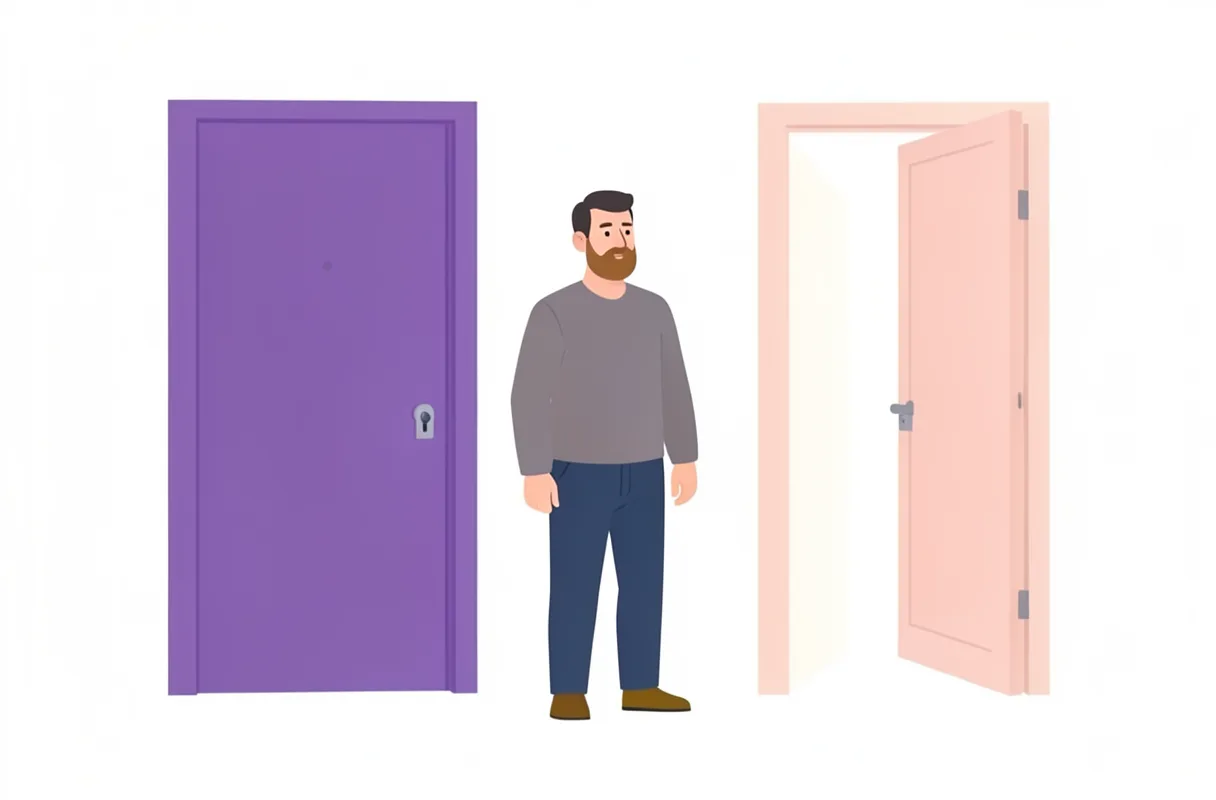
The door comes with a blast radius. It describes what could break if the decision turns out to be wrong: a layout that shifts, other systems that depend on an API (the interface other programs talk to), or how the product works on mobile. Together, the door and the blast radius turn the question “is this safe?” into a clear claim instead of a gut feeling, and someone else can disagree with it. They also show where to spend your own time.
Behind two-way doors with a small blast radius, building fast and changing works well. One-way doors, and decisions that could affect a lot, deserve more research and careful thought first.
Explorer: finding what not to build

Faster builds also change who does what. Boris Cherny, who created Claude Code, describes five archetypes he sees in his team: Prototyper, Builder, Sweeper, Grower and Maintainer. The archetypes do not follow job titles, and most people move between two or three of them. A designer can be the one who builds, a developer the one who explores.
The name Prototyper is narrow, though. We would rather call the role Explorer, and let it cover all of discovery, everything product and UX research do today. The Explorer’s most important job is to find out what we should not build. It does that by understanding user and customer needs, seeing how users actually behave and making clear what value we are meant to create. The prototypes themselves are one of the tools, not the goal.
One way of thinking that helps the Explorer is first principles thinking. You break a complex problem down into basic truths that cannot be disputed, and then rebuild the solution from the ground up. The opposite is reasoning by analogy, which means copying what others do: the competitor has a dashboard, so we need one too. When you strip away habits and assumptions, you can design a fresh answer based on what users actually need.
In the exploratory work we use skills (instructions the agent can run) for:
- design principles and UX design
- design sprints and the double diamond
- user research and co-design with users
- strategic thinking
- prioritisation based on customer and user needs
The rest of this article is about how the agents can help there.
Agents in exploratory work
The agents help in three ways:
- Synthesis with review. One agent goes through the material and suggests themes. The material can be qualitative customer insights such as customer conversations, interviews and support tickets, or quantitative ones such as survey answers and NPS (how likely customers are to recommend the product). It can also be user insights from usability tests and data on how the product is used. Another agent then checks each theme against the sources. Are there quotes or numbers that carry the theme, or did the first agent just find what it was looking for? The strongest themes show up in several sources. An example: customers say in conversations that getting started is hard, and usage data shows that many never finish their first upload. Themes without support are sent back.
- Assumptions become a research plan. When skills like Matt Pocock’s
/grill-with-docsquestion you about the plan, the agent can also list the assumptions the solution rests on, and which ones are riskiest if they turn out to be wrong. You look into the riskiest ones first, before anything is built for real. - The effect steers the next round. After launch an agent can compare data, support tickets and feedback with the effect you decided on at the start, meaning what the work should change for users, and suggest what the next round (the next product iteration) should be about. What the agent produces, such as lines of code and number of changes, is easy to measure and easy to mistake for productivity. But as Kent Beck, one of the founders of extreme programming and agile development, points out in a talk, measures like that only show the effort. They say nothing about whether users do anything differently.
Numbers and conversations together
Much of what we have described so far is qualitative: conversations, interviews and observations. But the agents are at least as useful in quantitative research. They can pull data on how the product is used, crunch survey answers and follow how many people get through a flow and where they drop off. Ask the agent to write the database query or script that produces the number, instead of just giving you the number. Then you can run it again, and another agent can review how the number was calculated.
The strength comes when you combine qualitative and quantitative, what is called mixed methods (where the methods test each other). Quantitative data shows what happens and how many it affects. Qualitative data explains why. If you see that many people drop off at a certain step, you know where to look, but not why. A few conversations with users who dropped off often give you the answer. It works the other way too: a pattern you hear in interviews can then be measured, to see whether it applies to three people or three thousand.
Doing both used to be expensive, so often it had to be one or the other. When the agents handle much of the groundwork, numbers and conversations can test each other in every round. The agents can also read the code and factor in what a change would cost. With support tickets, customer conversations and the code side by side, it gets easier to prioritise: what helps the most people, and what is a two-way door that is cheap to try?
Anonymise before anything leaves your computer
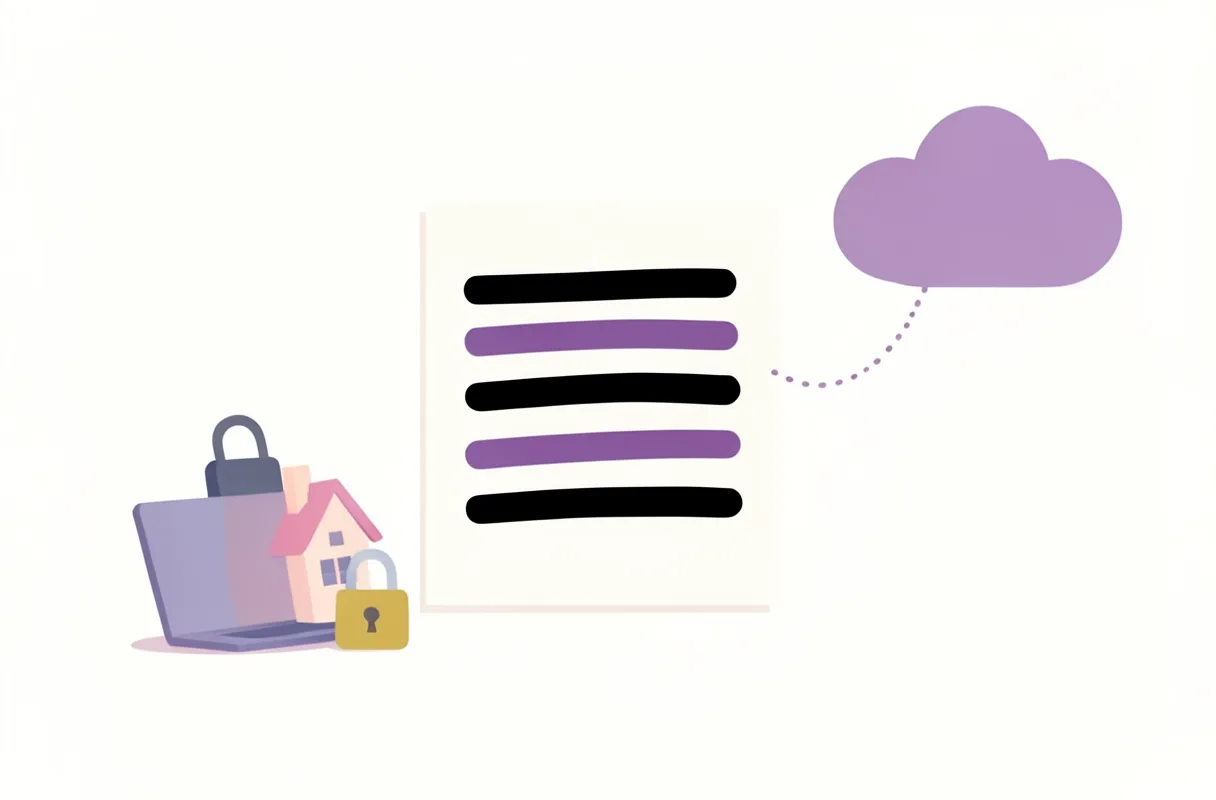
Customer conversations, recorded usability tests, interviews and quantitative data on how the product is used often contain personal data. Before they are sent to an agent in the cloud, it is important to anonymise the data, or at least pseudonymise it (names and details swapped for codes, with the key kept separately). That goes for every cloud service where you send the information to someone else, not just AI. Transcription services, survey tools and shared documents count too. It is about respect for the people who took part, what they actually agreed to, and the responsibility for personal data that research ethics and GDPR regulate.
The agents help here as well. A local agent (which we call Gate), running on your own computer, goes through the material and replaces names, workplaces and other details that could identify a person. Then a deterministic tool checks that nothing slipped through. One example is a linter, a program that scans text for set patterns: email addresses, phone numbers, personal identity numbers and names from a list. It runs the same check every time, regardless of a model’s judgement. If the linter finds something, the material goes another round. It is the same setup as in the previous article: one that does, one that reviews, and you spot-checking before anything leaves your computer.
Perplexity has built a similar solution in its Mac app. A local privacy gate looks for personal data before anything is sent to the cloud. If it finds something, it can keep the content on the computer, redact the data or ask you first. The model that does the detection is open and available on Hugging Face.
Anonymise first, synthesise later.
Prototypes at several levels
Prototypes are not one thing but a scale. In traditional UX we like to talk about design at different levels, from simple sketches (lo-fi) to almost finished (hi-fi). Which level you pick depends on what you want to find out.
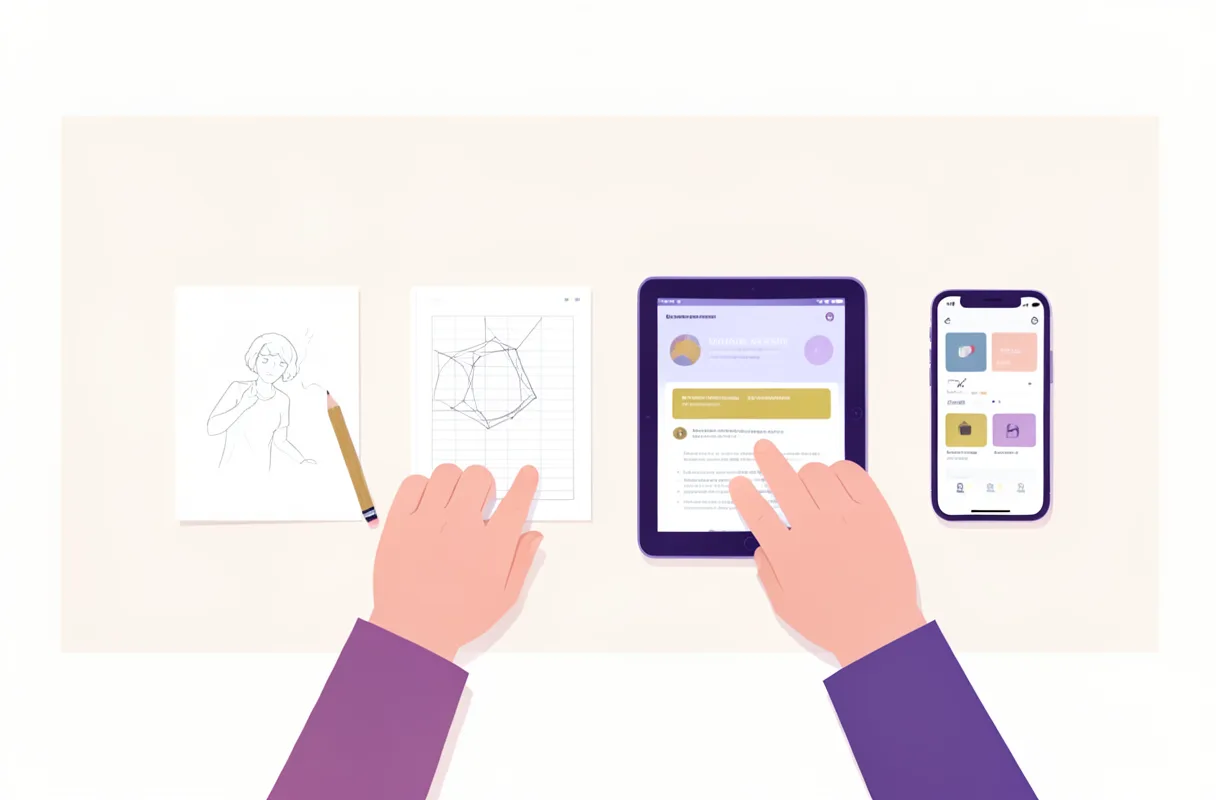
With AI we still work at different levels, but in a different way. Right now the levels look roughly like this, but the tools and ways of working change fast.
- Quick iterations to choose a direction. With Matt Pocock’s
/prototype, or with design and artifact skills, the agent produces several concepts in a short time. In Claude Code,/designdraws the concepts as artboards (separate drawing surfaces) on a canvas and publishes them as a Claude Design artifact, a web page of its own that you can share and comment on. Slides and Docs work the same way: they are templates you start an artifact from. You compare directions side by side, iterate and pick a track before anything is built for real. - Coded prototypes. When you need to get a feel for a product concept and not just see it, the agent builds it in code, with real interaction and logic that runs through the hard cases. The prototype is still standalone and easy to throw away.
- Variants in the real product. The agents build variants straight into the product, each in its own worktree (a separate working copy of the code). The setup is the same as in the previous article, where an orchestrator hands out tickets to agents that build in parallel. The difference is that each agent here builds its own variant of the same thing. The user meets something that looks and behaves like the product, not a sketch.
- New product tracks with mocked data. A whole new track does not have to wait for a backend, integrations or real data. The agents build the flow with made-up data realistic enough to test with users. If the track holds up, it gets built for real. If it does not, you have learned that without losing the trust of customers and users.
The levels serve different purposes and need different amounts of review. The lower ones suit exploring design concepts and choosing a direction together with the team. They are short-lived, so you can work more freely there and skip the review. The higher ones suit usability tests and observations, where the user needs to meet something that behaves like the product. A prototype that will be tested with users and live for a while is worth a few more tokens (that is, a bit more AI usage) on review, so it holds together through the whole test. Since the agents can work in parallel, you can produce several variants at each level at the same time.
What the agent should not do is play the user. Synthetic personas, meaning AI pretending to be users, generalise when they lack context and answer based on what an AI model thinks users would say. But it is what real users say and do that you need to find out. The conversations with real people, and the judgement about what they mean, stay with you.
On the other hand, it works really well to build agents, skills and data on real research about the user group, and use that as the starting point for product and design decisions. An agent that knows the audience from real interviews and observations can review a proposal against what we have learned, rather than against what a model makes a wild guess at.
From customer insights to decisions
/grill-with-docs puts much of the work up front. It wants the decisions in place before anything is built, and that suits work where you know what to build. When you are exploring with prototypes you can use it differently. Instead of carefully answering every question, you go with the agent’s suggested answers and iterate your way forward visually. It becomes a trade-off: how much do you want to answer up front, how much along the way and how much are you prepared to redo?
Once you have a prototype that you have iterated on, tested with users and learned from, you run /grill-with-docs again, with a different perspective. The questions are roughly the same, but now they are easier to answer. The answers come from the customer insights and not from guesses.
Remember: when you explore, the job is to find out what not to build. A lot of what you produce will be thrown away, and that is the point. Every idea you discard now is something you do not have to build, maintain and explain to users later.
Next step
Now you know how to find out what is worth building. In the next article in the series we look at how we keep customer insights, product knowledge and decisions in the repo, and why we let the code be the source of truth.
Yes, we wrote this together with Claude. It would be a bit odd otherwise, but we know what we want to say, and we have read, poked and discarded until the phrasing, opinions and choices are ours.